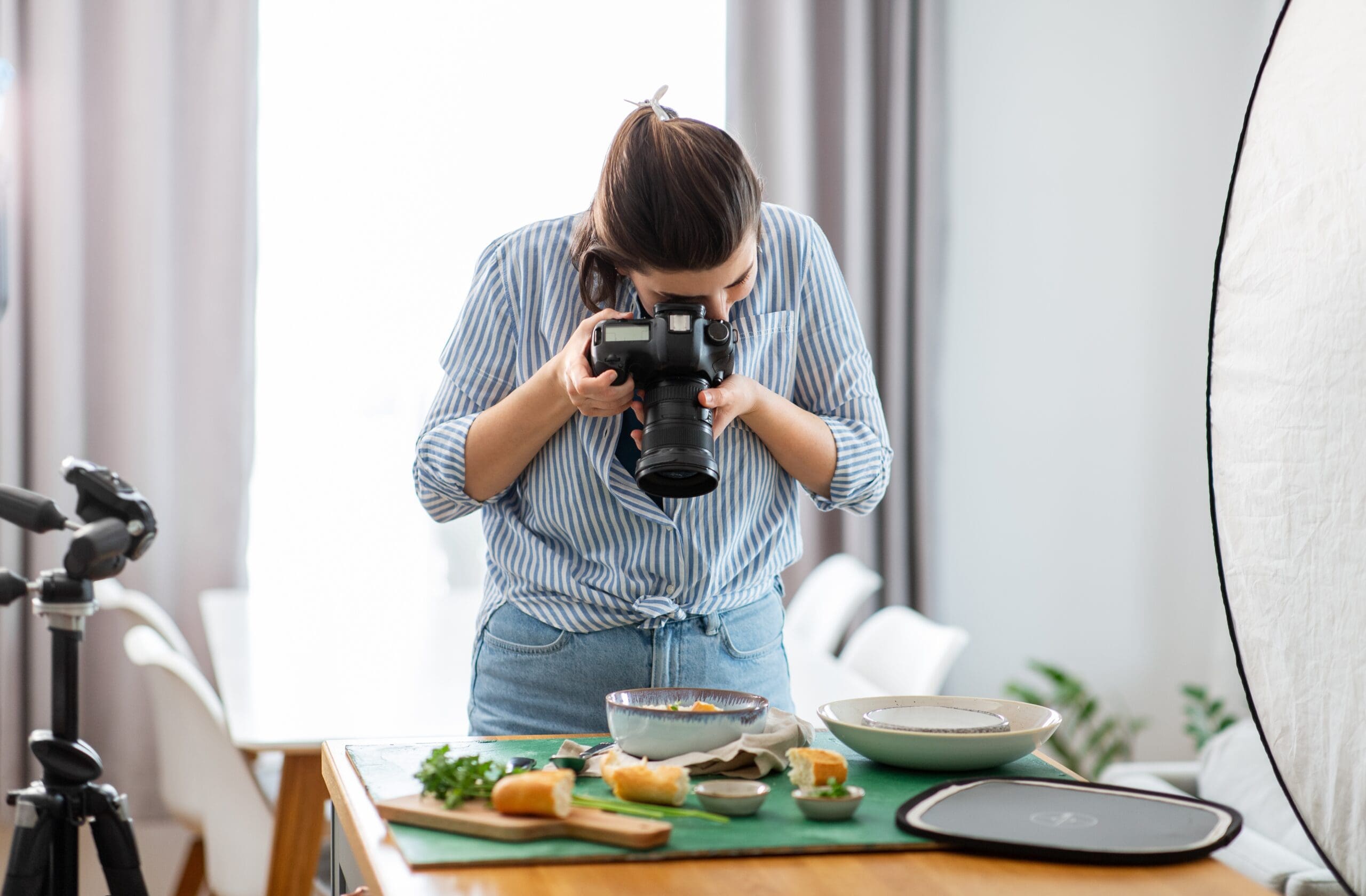

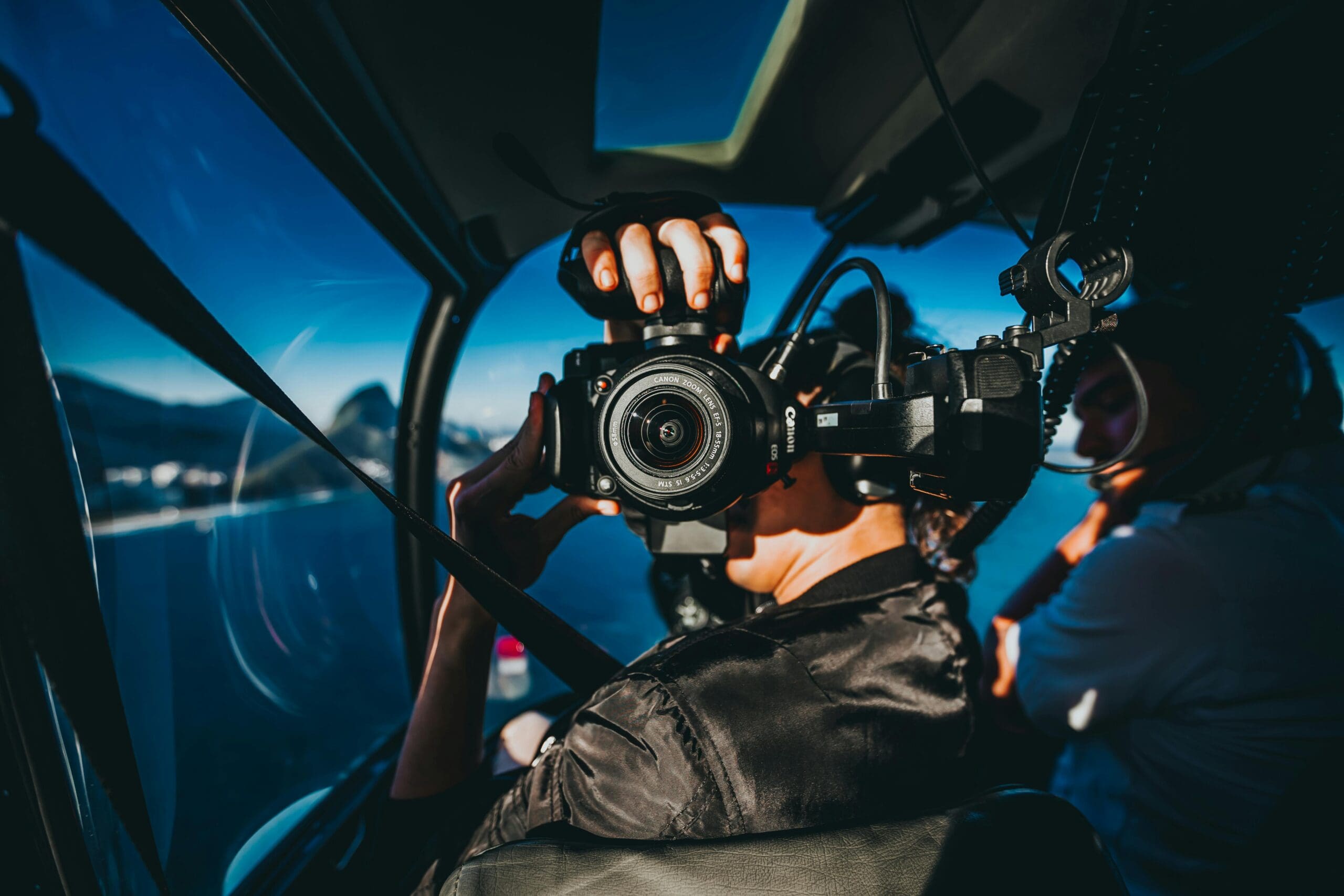
Modern DSLR and mirrorless cameras shoot video rivalling dedicated cinema cameras. The same equipment used for stunning photographs creates broadcast-quality footage with proper technique. Adding video capabilities expands your creative range and business offerings significantly.
This guide bridges the gap between photography and videography, covering the essential differences in approach, settings, and workflow.
Video Mode Settings
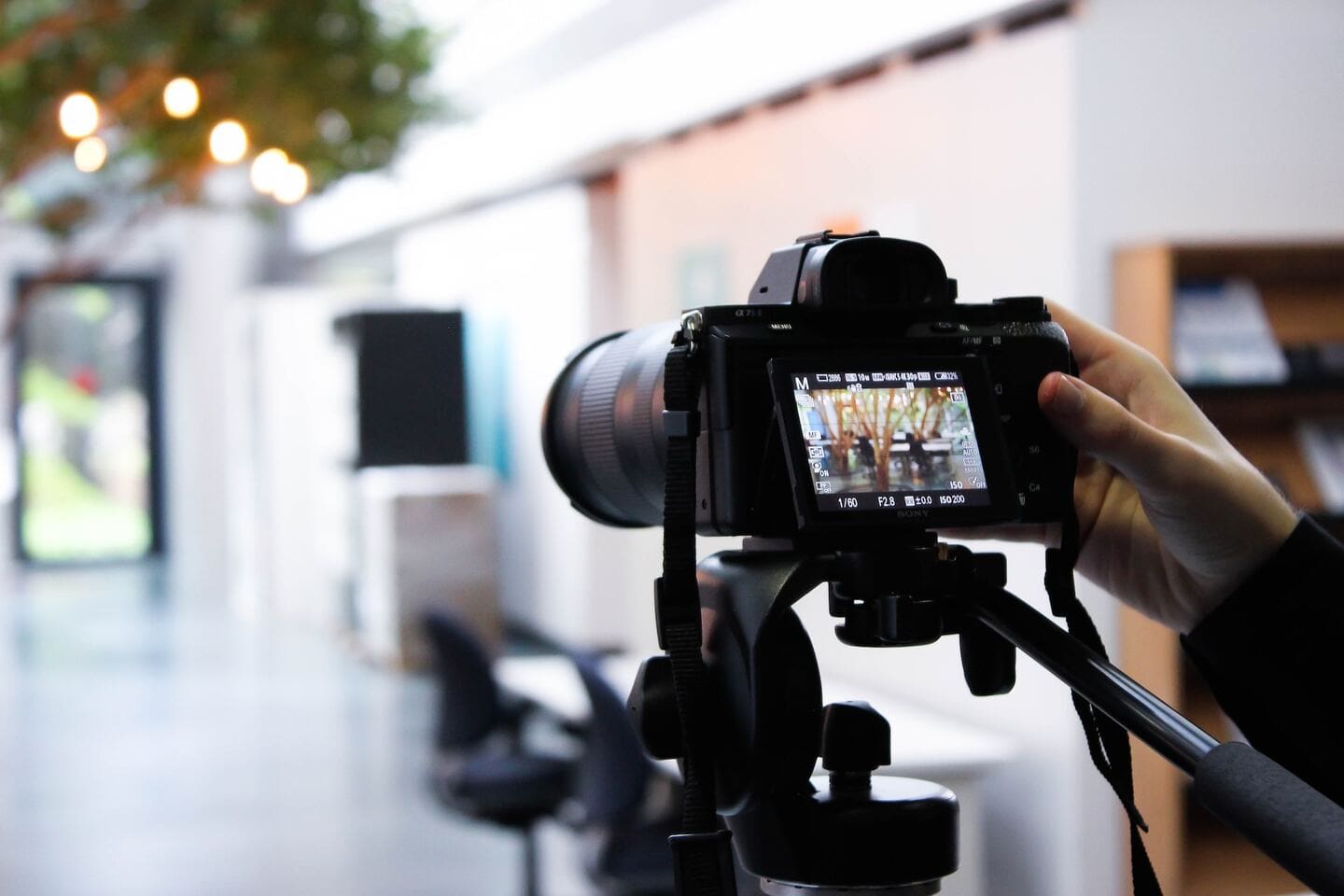
Resolution options determine image detail and file sizes. 4K provides maximum quality for cropping flexibility and future-proofing. 1080p remains broadcast standard with smaller files and easier editing. Choose based on delivery requirements and computer capabilities.
Codec selection affects quality and compatibility. H.264 works universally with smaller files. H.265 improves quality at similar file sizes but requires more processing power. ProRes and RAW options on some cameras provide maximum quality for professional workflows.
Picture profiles affect the look of footage. Standard profiles produce punchy, ready-to-use results. Flat or log profiles preserve dynamic range for colour grading in post-production.
Frame Rates Explained
24fps (frames per second) produces the cinematic motion blur associated with film. This frame rate suits narrative content, music videos, and artistic work.
30fps provides smoother motion for broadcast, corporate video, and online content. It handles movement more cleanly than 24fps.
60fps and higher enable slow motion when played back at standard rates. Shooting 60fps and playing at 24fps produces roughly 2.5x slow motion. Higher rates like 120fps or 240fps create dramatic slow-motion effects.
Audio Considerations
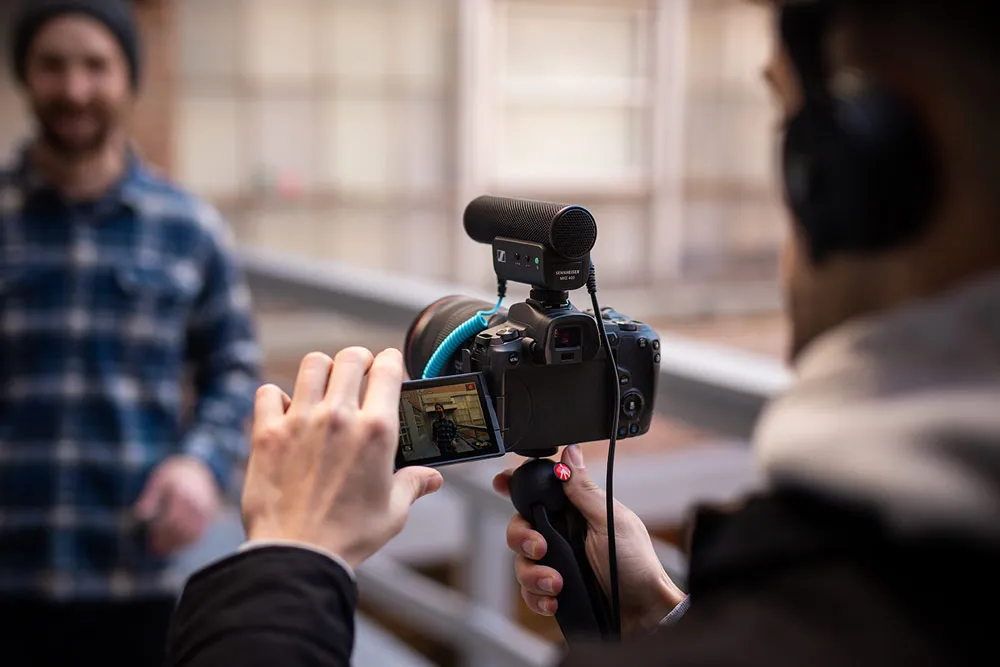
In-camera microphones produce unusable audio for serious work. Built-in mics capture camera handling noise, autofocus motors, and sound from behind the camera rather than in front.
External microphones dramatically improve audio quality. Shotgun microphones mount on camera hot shoes and capture directional audio. Lavalier microphones clip to subjects for consistent voice recording.
Monitor audio levels during recording. Most cameras display level meters. Aim for peaks around -12dB to avoid distortion while maintaining strong signal.
Stabilisation Techniques
In-body stabilisation (IBIS) in many mirrorless cameras compensates for camera movement. This technology has improved dramatically, making handheld shooting viable in many situations.
Lens stabilisation works alongside or instead of body stabilisation. Stabilised lenses particularly help with longer focal lengths where movement magnifies.
Tripods provide rock-solid stability for interviews, tutorials, and any static shots. Use fluid head tripods for smooth panning and tilting.
Gimbals enable smooth movement shots impossible handheld. These motorised stabilisers create cinematic camera movement but add complexity and cost.
Basic Video Composition
Leading space provides room for subjects to look or move into. A person facing left should be positioned right of centre with space in their gaze direction.
Headroom describes space above subjects. Too much looks odd. Too little feels cramped. Moderate headroom with eyes roughly one-third from the top typically works well.
Shot size variety maintains visual interest. Wide shots establish context. Medium shots show subjects clearly. Close-ups emphasise emotion and detail. Mixing sizes keeps viewers engaged.
Master video production comprehensively with the Certificate in Videography.
Explore photography and video courses at Australian Photography School.